

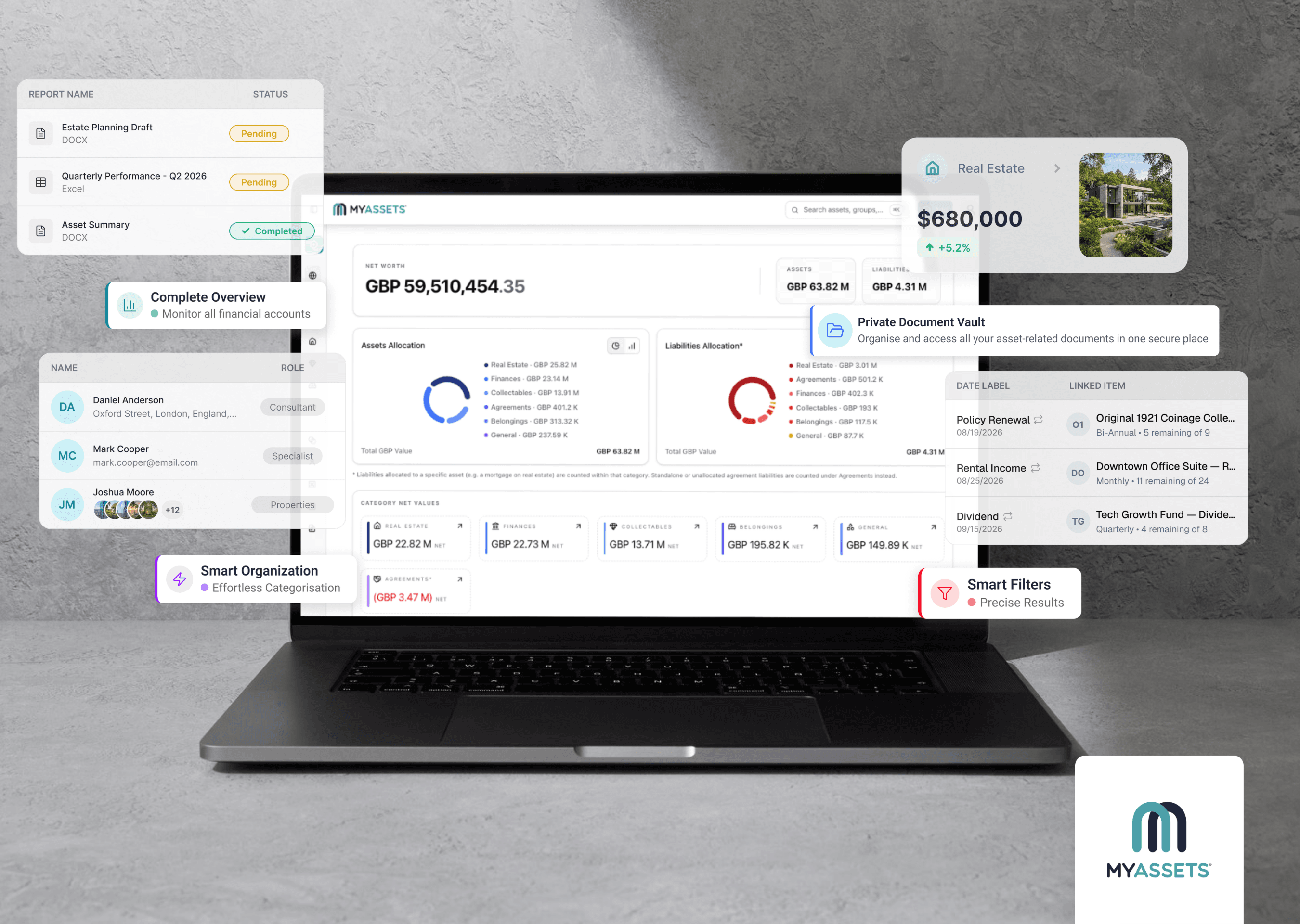
Now that we’ve covered the latest changes and updates in MyAssets, along with how to use its how to use the six categories, it’s time to explore the platform’s other useful features.
MyAssets offers more than just a place to organise your assets. Its additional features are designed to help you manage your information more efficiently, stay organised, and get the most out of your app experience. Learning how these features work will help you make the most of the platform and build a more complete, convenient approach to managing your assets.
8 Features You Can Use in the MyAssets Platform
We have eight key features that you will regularly encounter (and most likely, use) when you’re in your MyAssets account. Here’s how each of them work.
1. Dashboards
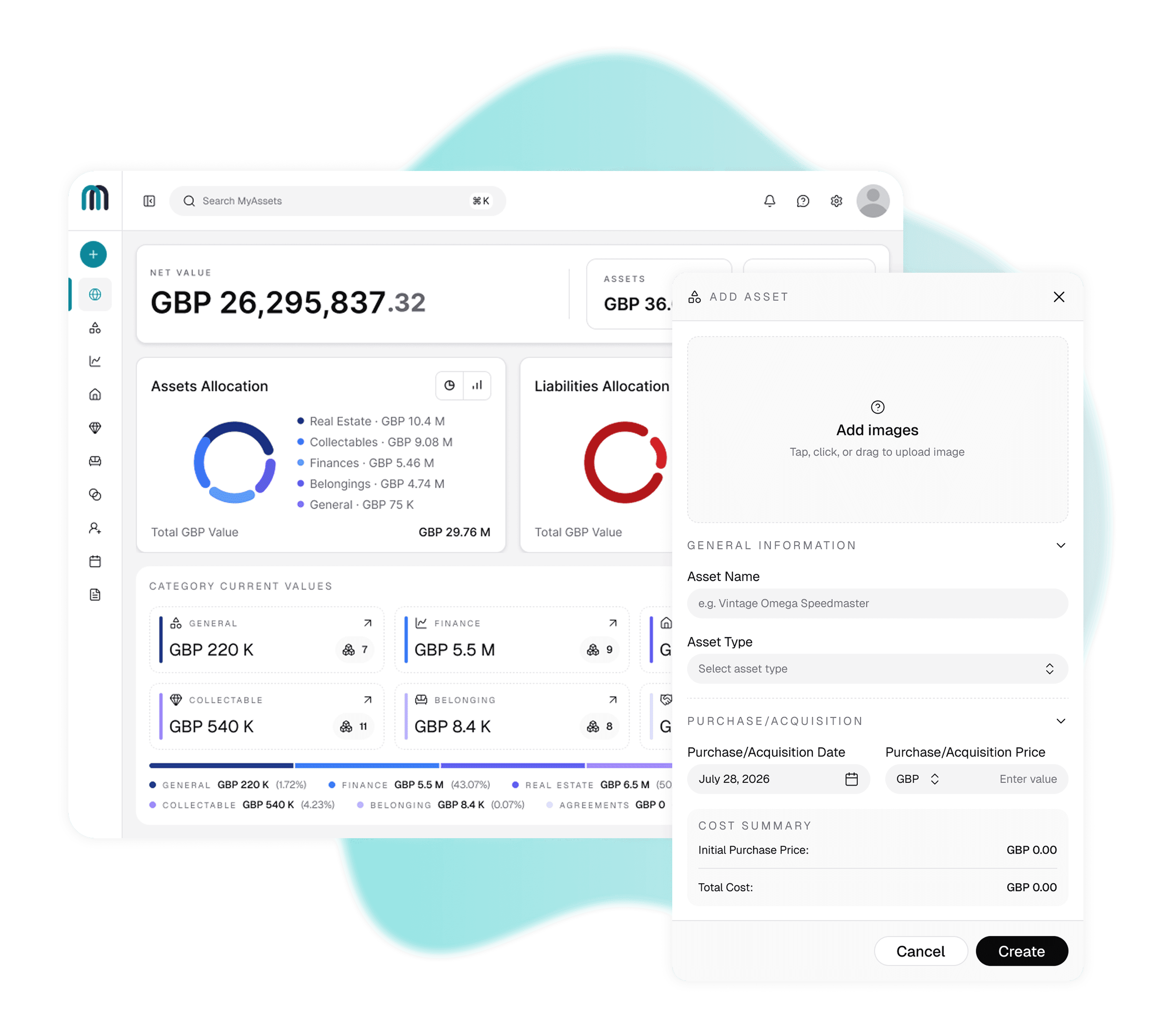
Dashboards offer a convenient way to view your assets in one centralised platform. Dashboards present important information in an accessible format, giving you a clear overview of financial accounts, properties, personal belongings, and other valuable assets. This makes it easier to monitor your overall financial position and understand how your wealth is distributed.
Using the Dashboards can also help you track relevant information. Instead of checking multiple records or platforms separately, you can access essential details in one place, saving time and effort.
2. Groups
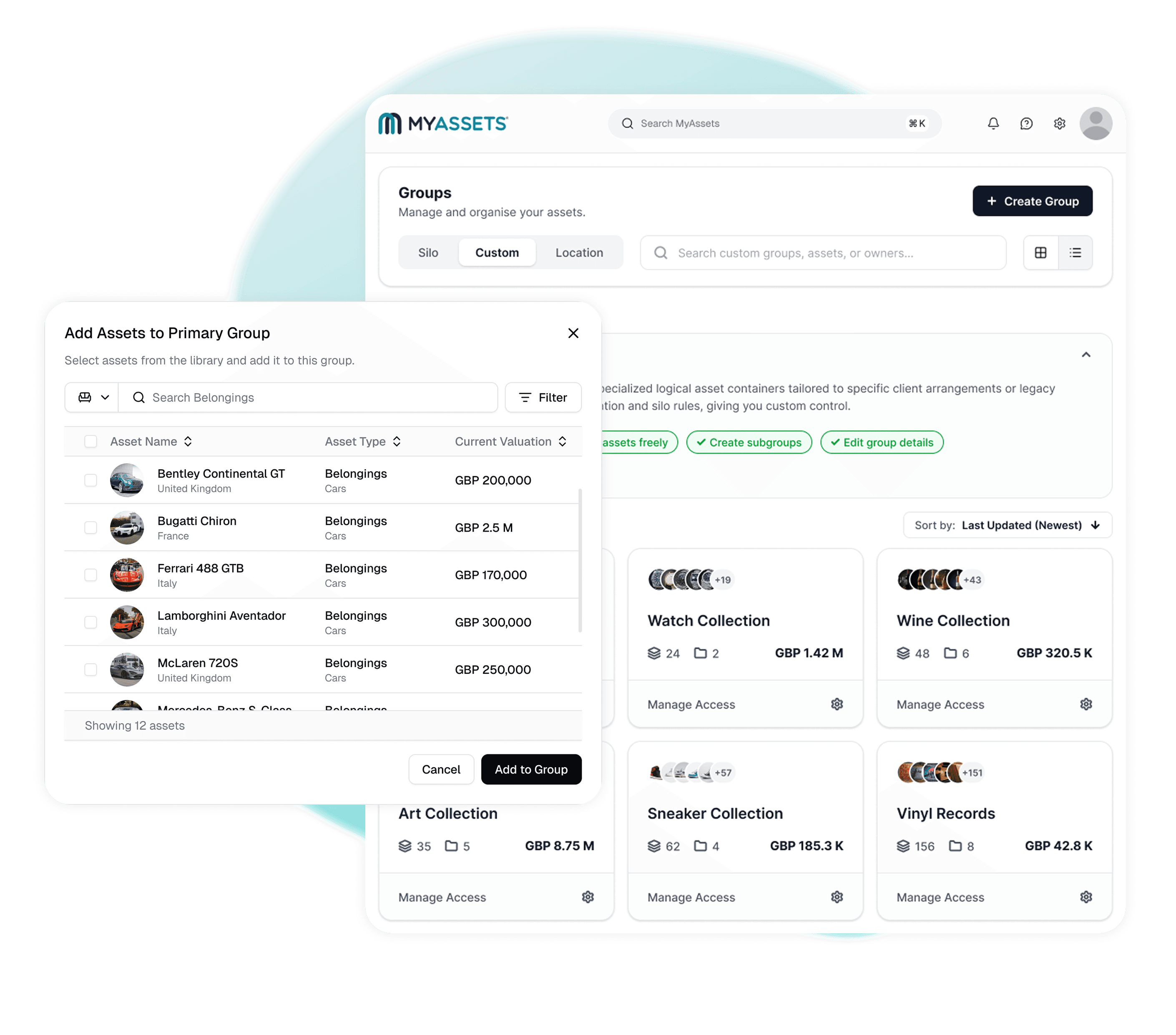
Groups provide a flexible way to manage different types of assets. The platform automatically organises assets by their default categories in Silo Groups, making it easy to find assets.
It also allows you to create Custom Groups based on your personal preferences, financial goals, or specific needs. With Custom Groups, you can combine different asset types, such as properties, financial accounts, collectables, and personal belongings, into meaningful groups.
For example, you can create groups for insurance coverage, estate planning, beneficiaries, or assets located in a particular area. This makes it easier to find relevant information and review specific portions of their portfolio. Changes to assets and their numerical values are reflected in the affected groups, helping keep information up to date.
Groups improve organisation, simplify navigation, and support more effective asset management through a personalised and structured approach.
3. Delegates
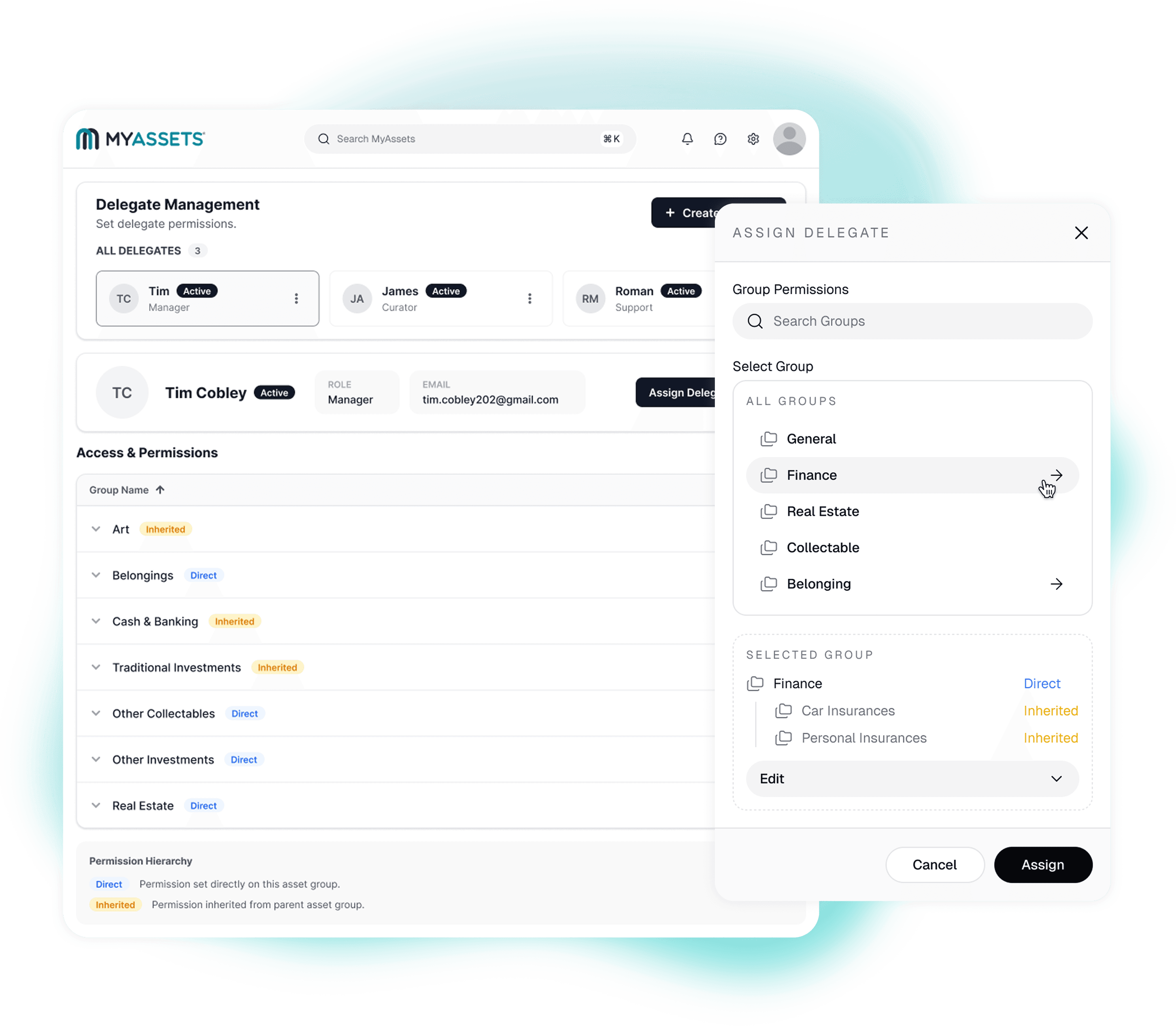
Premium Plan users will automatically have three Delegate seats added to their accounts. Delegates allow you to share access to your assets with trusted individuals while maintaining control over their personal information.
This feature is especially useful for people who need assistance managing their finances, real estate assets, collectables, or personal belongings.
You can appoint Delegates, such as family members, personal assistants, financial advisers, or art curators, to help manage specific assets. You can decide what each delegate is allowed to view, create, edit, or delete, depending on their responsibilities and access level. This ensures that delegates can perform their assigned tasks without accessing restricted information.
4. Ledger
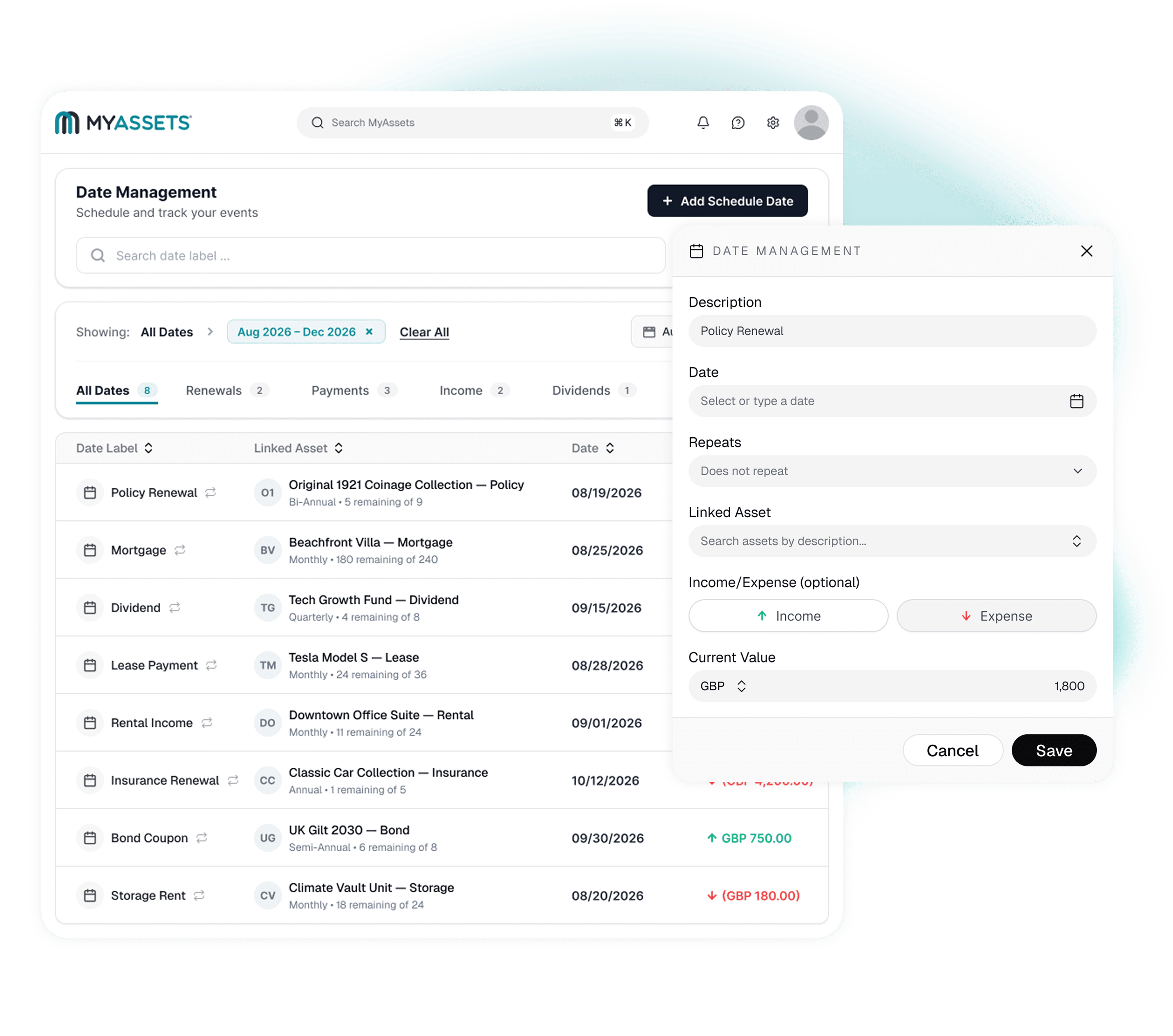
The Ledger helps you track important dates, financial transactions, and milestones related to your assets. It provides a centralised dashboard where you can monitor upcoming income, expenses, recurring transactions, and financial commitments.
One of the main advantages of the Ledger is its ability to link scheduled transactions and important dates to relevant assets. This provides a clearer picture of how income, expenses, and financial obligations affect individual assets. You can also manage recurring transactions and upcoming events, making it easier to avoid overlooking important financial responsibilities. This forward-looking view supports better forecasting and informed decision-making.
5. Address Book
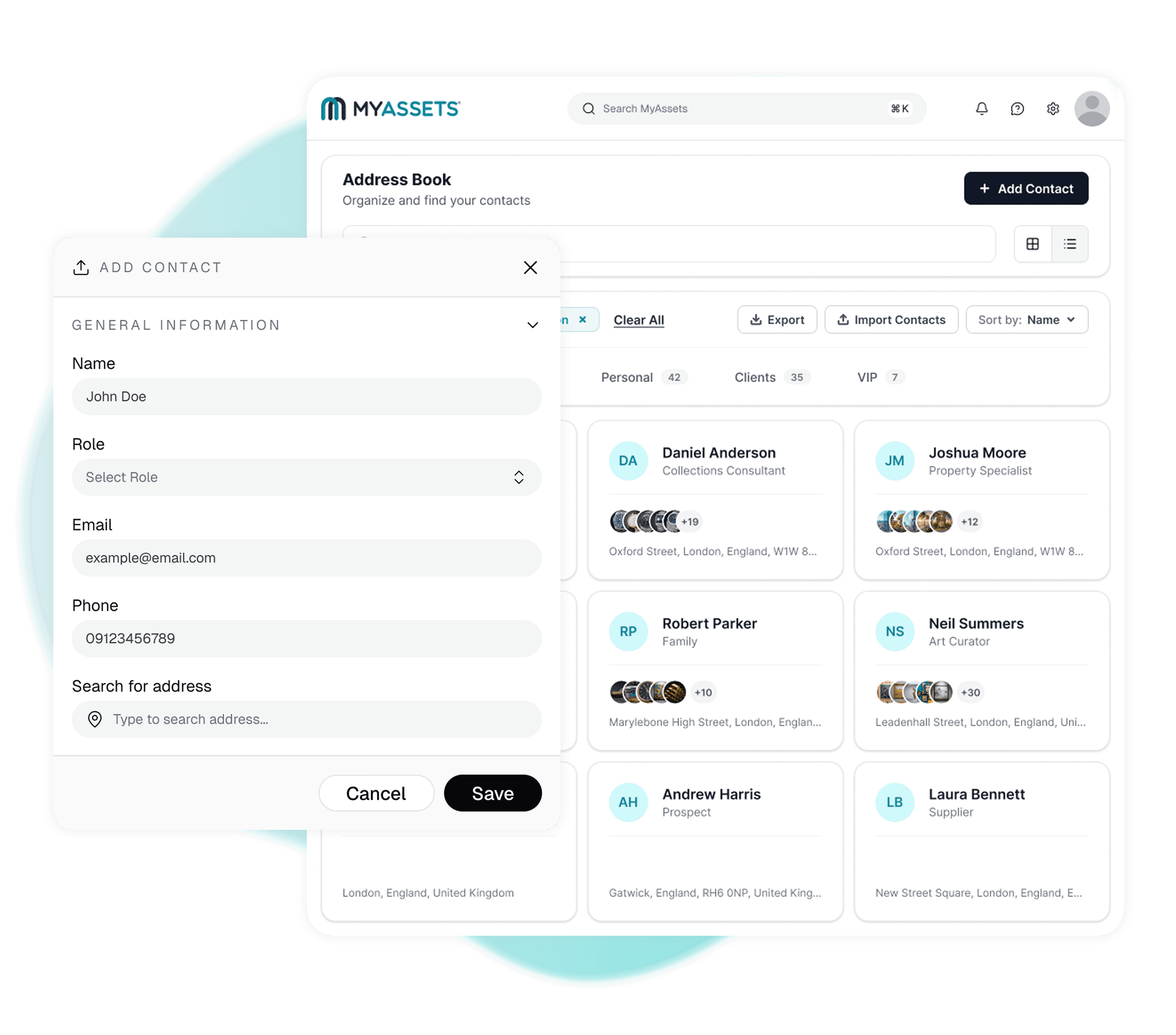
The Address Book is a convenient way to store and manage important contact information in one central location. It allows you to integrate your address book and assets, maintaining records of individuals and organisations associated with assets. Address Book contacts may include:
- Family members
- Financial advisers
- Lawyers
- Insurance agents
- Real estate managers
The Address Book helps you keep essential contact details accessible whenever needed. Having accurate and updated contact information can also save time and reduce the difficulty of locating important details.
6. Document Vault
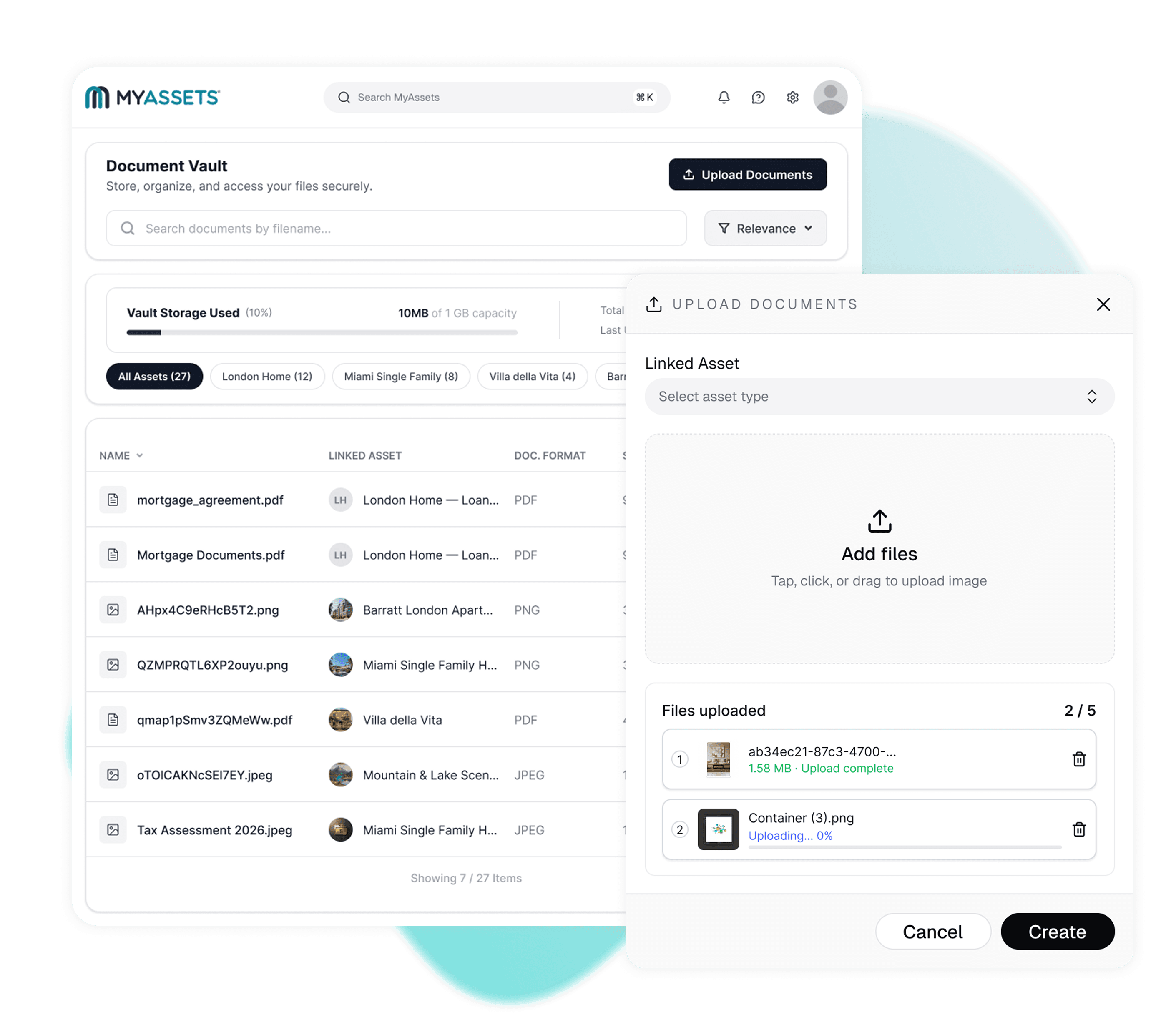
The Document Vault offers a secure and organised file storage system that stores essential records in one central location, making them easier to access and manage whenever needed. These documents may include:
- Property titles
- Insurance policies
- Financial statements
- Identification records
- Receipts
- Contracts
- Certificates
The Document Vault reduces the need to search through physical files or multiple digital folders. By keeping documents alongside relevant asset information, you can quickly locate important records and maintain a clearer overview of your assets. Keeping documents updated also helps you stay prepared for important transactions and future needs.
7. Reports
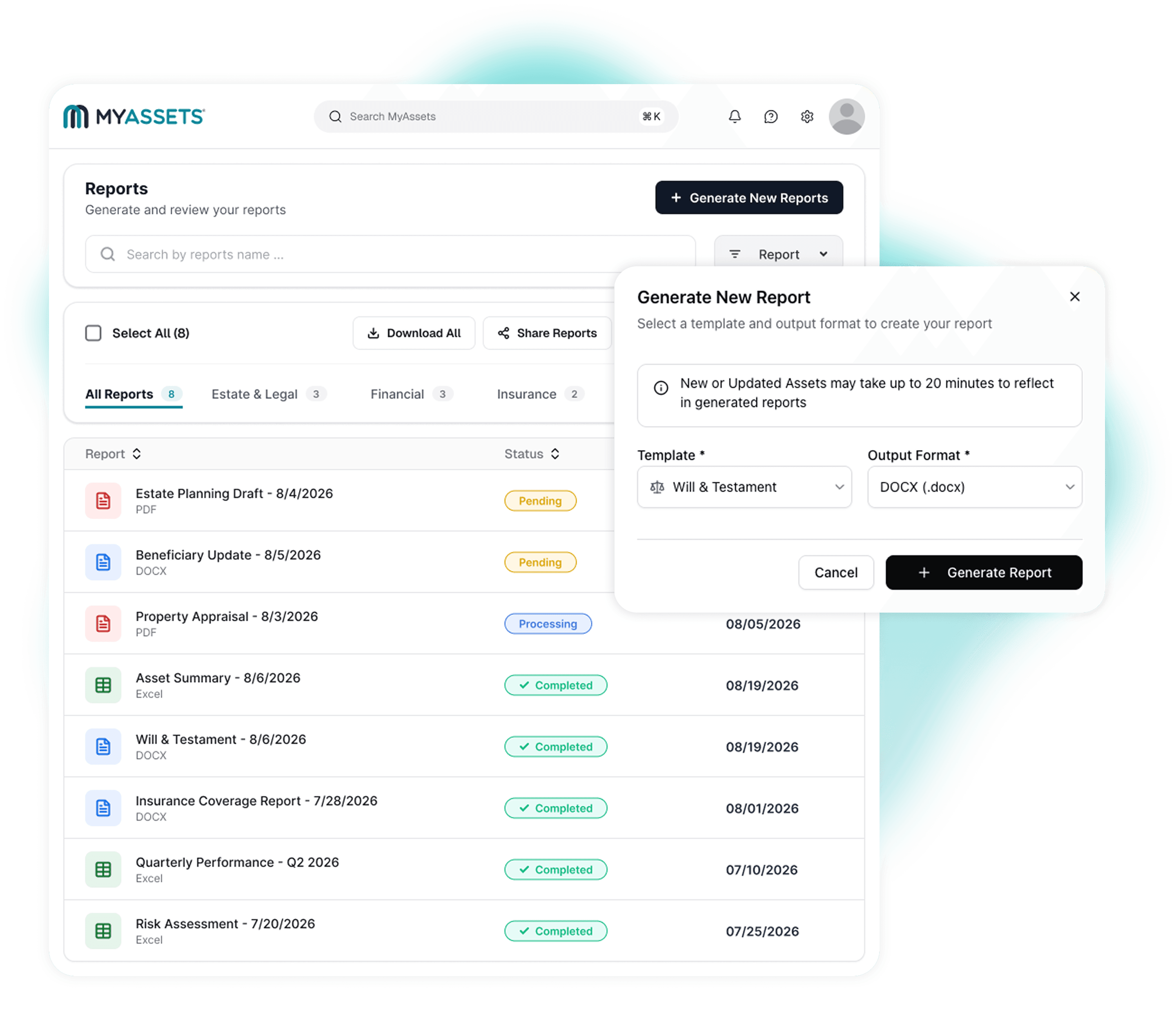
Reports help you analyse and understand your asset information through clear and structured reports. It provides a convenient way to review important details about personal belongings, properties, financial accounts, investments, and other valuable assets. By presenting information in a consolidated format, the feature allows you to gain a better understanding of their overall financial position.
One of the main benefits of the Reports feature is that it simplifies reviewing and summarising asset data. You can use Reports to monitor holdings, assess changes in assets, and identify information that may require attention.
Having detailed and tailored reports also makes it easier to communicate relevant information when working with financial advisers or family members. The Reports feature is a valuable tool for maintaining accurate records and achieving better financial awareness.
8. CSV Bulk Import
The CSV Bulk Import feature is an efficient way to add multiple assets at once. Instead of entering each item individually, you can prepare asset information in a spreadsheet, save it as a CSV file, and import the data into the platform. This feature is particularly useful for collectors and individuals managing large inventories of art, sneakers, watches, other collectables, and general assets.
By using the appropriate import template and following the required data format, you can organise essential details. This helps reduce repetitive manual entry, save time, and minimise potential data-entry errors.
Before importing, users should review their spreadsheet to ensure the information is accurate and properly formatted. The CSV Bulk Import feature makes asset management more practical, especially when transferring existing records into MyAssets.
MyAssets: Simplifying Asset Management in One Platform
MyAssets offers a comprehensive solution for managing, organising, and tracking personal wealth and valuable possessions in one convenient platform. It helps you maintain a clear overview of your assets, from real estate and financial accounts to rare collectables, art, and everyday belongings.
Whether you want to systemise records, monitor financial activities, store important documents, collaborate with trusted individuals, or generate useful reports, MyAssets provides practical tools to support these needs. Its flexible features make it suitable for individuals with diverse asset portfolios and different organisational requirements.
Ultimately, MyAssets is a complete asset management solution that empowers you to organise your wealth more efficiently, maintain better records, and prepare confidently for your financial future.
Create your MyAssets free account and discover a seamless asset management experience.


