
All Your Real Estate and Assets in One Portfolio
Real Estate brings properties and other assets together in one dedicated digital space, making it easier to organise, track, and connect everything – from rentals and villas to family homes and more.

No credit card required
One Place to Organise and Connect Every Real Estate Property
Introducing the Real Estate dashboard, a centralised space where property owners can store, organise, and integrate real estate information with other assets.
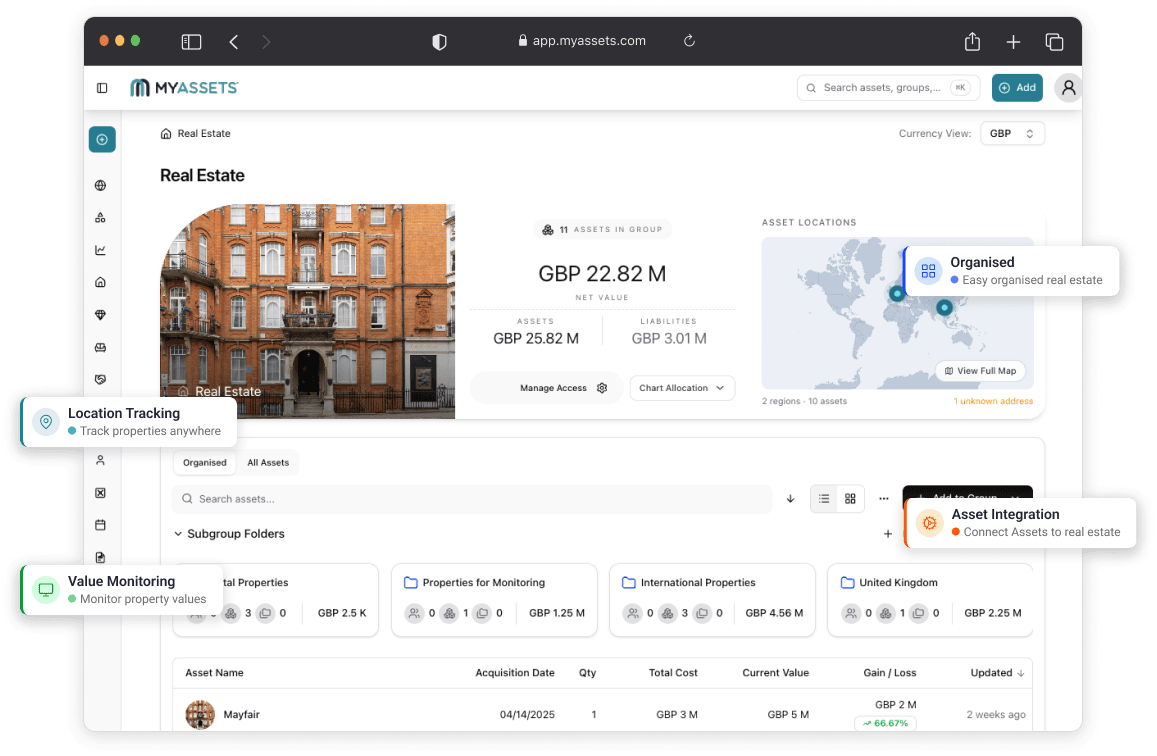
What You Can Do with Real Estate
Digitise Portfolio
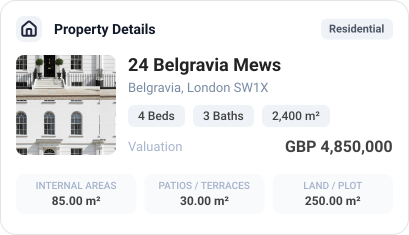
Create a comprehensive, digitised record of your real estate properties that goes wherever you go. Each entry details the historical value, repairs or renovations made over time, and other key information (including the number of rooms, square footage, location of collectables and belongings within the property, insurance and mortgage details, etc.) of your real estate.
Track Financial Performance
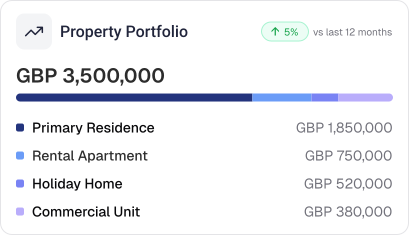
Monitor how individual properties contribute to overall net worth with visual graphs on the Real Estate Dashboard and Global Dashboard. With value trends and fluctuations presented at a glance, the platform offers a deeper understanding of a real estate portfolio and its contribution to a person or a business' overall wealth.

Upload Documents
Keep a complete, easily accessible digital record of Real Estate documents – from titles and contracts to insurance policies and more – by uploading them as attachments on a property asset entry. Upload and assign these documents to the appropriate property through the platform’s Document Vault.
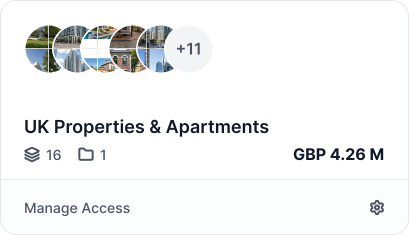
Organise by Groups
Organise properties by city, date of purchase, or any other prefered criteria with the platform’s Groups feature. Custom grouping can be selected within the Groups field when creating a Real Estate asset entry, making it easier to structure and navigate real estate property portfolios.
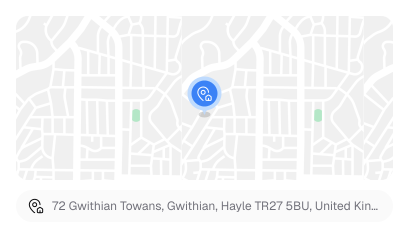
Assign as Location
Assign a Real Estate entry as the location for assets from other categories, creating a connected portfolio structure that brings greater organisation and context to every property. This forms the foundation of the platform’s Smart Asset Linking feature.
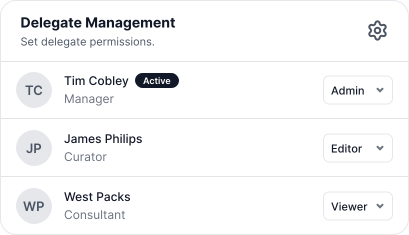
Add Delegates
Give trusted individuals access to important real estate information. Beneficiaries, co-owners, real estate & property managers, and other designated parties can be added as Delegates on the platform, with customisable access to relevant property details when and where it is needed.
Our Trusted Partners
Our platform integrates with top brands for seamless asset management.



Security You Can Trust
At MyAssets, we protect user data every step of the way – from secure uploads to encrypted storage – using industry-leading security protocols.
Learn More
Everything You Need for Asset Management
Discover how MyAssets simplifies asset management, offering seamless integrations, robust security, and powerful features to optimise all kinds of workflows.
Learn More




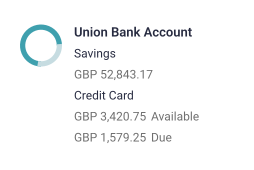
Introducing Smart Asset Linking: Link Assets with Ease
Beyond real estate, MyAssets is a comprehensive asset management system designed to house every asset type. From real estate to collectables, finances, and other personal holdings — our platform helps users understand how assets relate, interact, and contribute to their broader financial picture.
Link, sync, and optimise your assets so that they work together.
Frequently Asked Questions About Real Estate
Find answers to common questions and get quick solutions.
Visit Knowledge BaseSelect the ‘Add Assets’ button on your Global Dashboard, and select Real Estate. Fill out the appropriate fields, and select ‘Create’ to save your new Real Estate entry.
Edit your real estate property details by going to the Real Estate Dashboard, select 'Search Real Estate', select the property from the list, select the triple dot icon, and select 'Edit'.
Add valuation details to your real estate property by searching for your property, selecting the property you wish to add valuation to, and selecting 'Add Valuation'.



