
Organise and Understand Your Finances Better
Finances is an integrated financial organiser that brings financial accounts, investments, and other assets together in one place – providing a complete view and clearer understanding of overall net worth.

No credit card required.
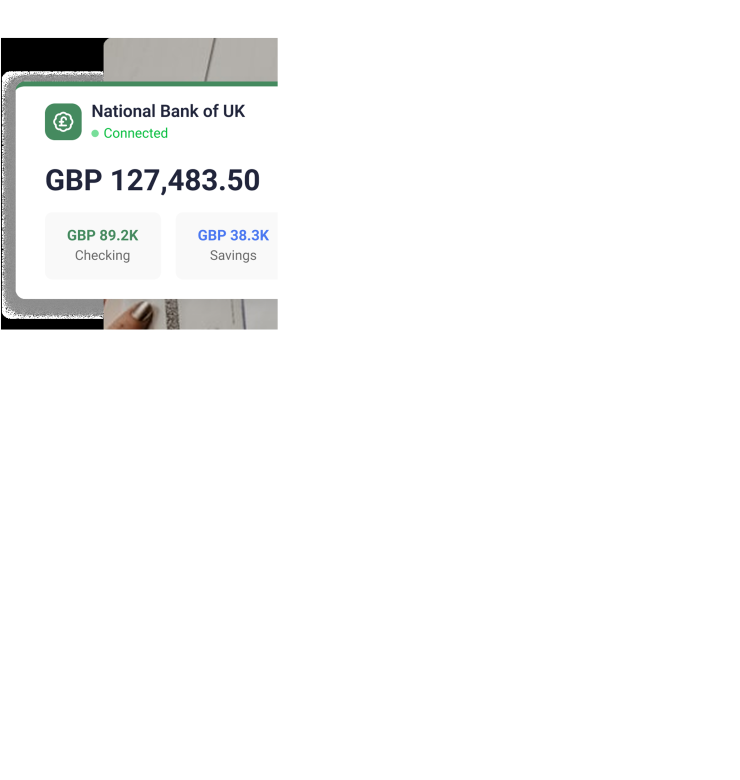
A Finance Management Dashboard Designed For Everyone
Introducing the Finances dashboard – a sophisticated space with intuitive tools for every aspect of financial management. Manage personal or professional finances with more clarity, efficiency, and intention.
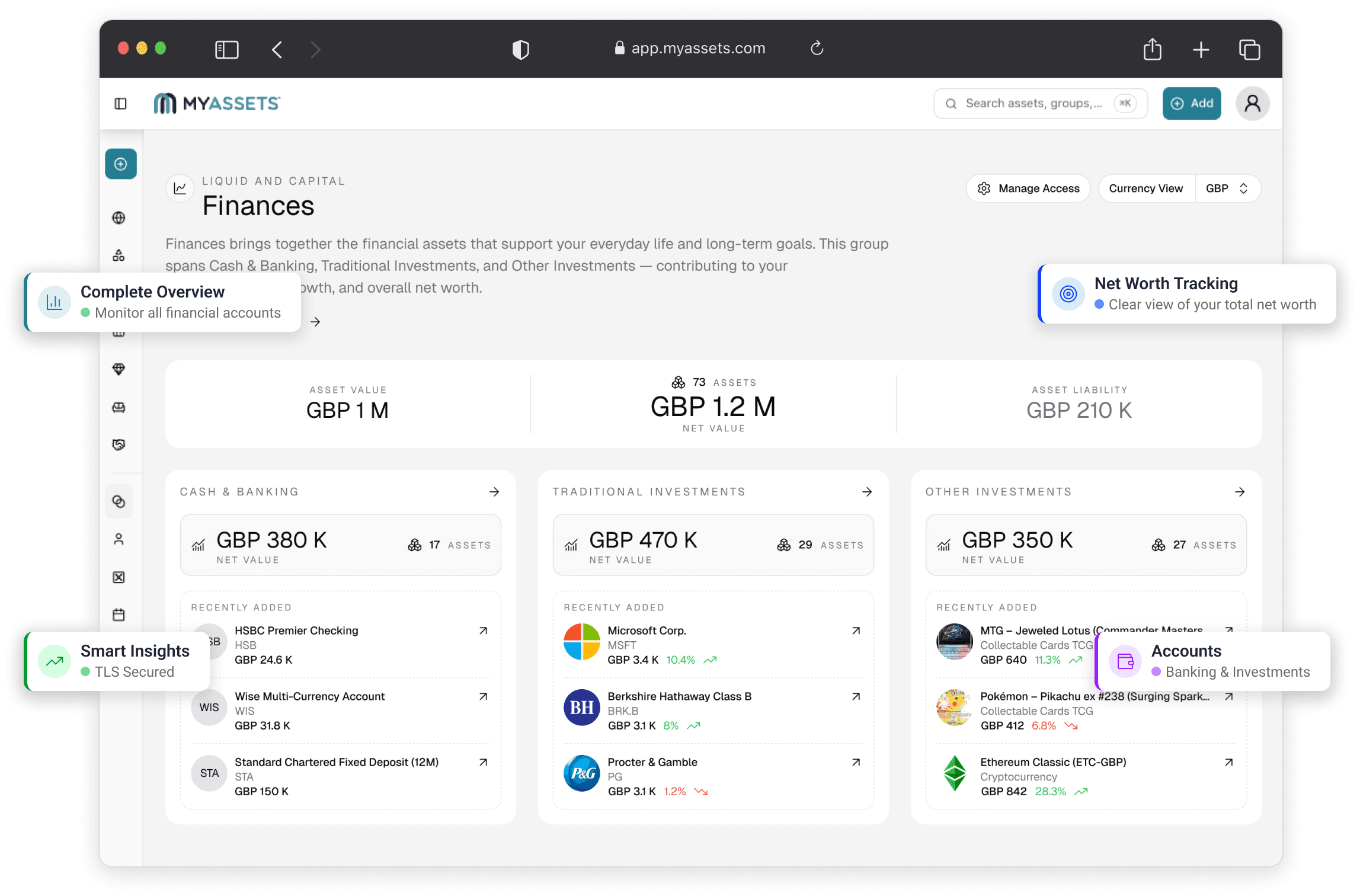
What You Can Track and Organise with Finances
Cash & Banking
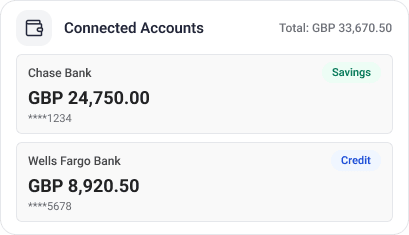
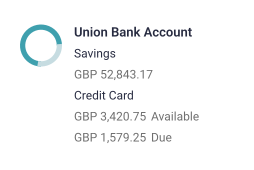
Create a comprehensive, digitised record of cash and banking information with the Cash & Banking Dashboard. As a Finances sub-category, this dashboard enables users to connect with global financial institutions, track balances, and gain insights through intuitive graphs – all secured by Bank-Grade Advanced Encryption Standard (AES 256) and Transport Layer Security (TLS), two of the best-in-class encryption protocols in the market.
Traditional Investments
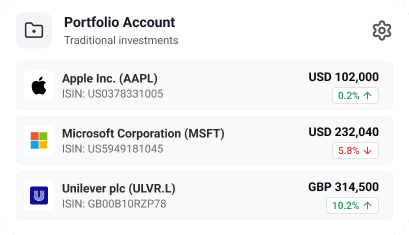
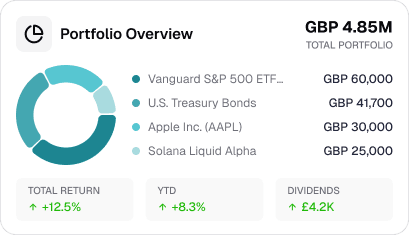
Beyond cash flow, Finances also helps manage conventional investments such as public shares, private shares, and cash securities. From stocks and bonds to cryptocurrency and more, you can keep a complete, easily accessible digital record of your investments here. Keep track of key details such as the purchase/acquisition date, purchase price, market price, valuation history, and more.
Other Investments
Upload and manage more investment information on Finances through the Other Investment Dashboard. Covering investments on warrants, shares, percentage of companies, and more — this section offers a clear, organised view of more diverse investments, helping track their performance and value with ease.
Our Trusted Partners
Our platform integrates with top brands for seamless asset management.


Security You Can Trust
At MyAssets, we protect user data every step of the way – from secure uploads to encrypted storage – using industry-leading security protocols.
Learn More
Everything You Need for Asset Management
Discover how MyAssets simplifies asset management, offering seamless integrations, robust security, and powerful features to optimise all kinds of workflows.
Learn More




Introducing Smart Asset Linking: Link Assets with Ease
Beyond finances, MyAssets is a multi-asset wealth management system designed to house assets of every kind. From finances to real estate, collectables, and other personal holdings – our platform provides a better understanding of how assets relate, interact, and contribute to the broader financial picture.
Link, sync, and optimise your assets so that they work together.
Read MoreLink, sync, and optimise your assets so that they work together.
Frequently Asked Questions
Find answers to common questions and get quick solutions.
Visit Knowledge BaseIf you cannot connect your bank automatically through Plaid, you can add your bank account manually.
Add your cash balance under Finances by selecting the add button at the top right corner of your dashboard, select ‘Finances’ from the menu and select 'Cash & Banking'. Select ‘Enter manually’ for how to add your bank account. Select Cash in Account Type
Add your savings account under Finances by selecting the add button at the top right corner of your dashboard, select ‘Finances’ from the menu and select 'Cash & Banking'. Select ‘Enter manually’ for how to add your bank account. Select Savings in Account Type.
Add your credit card account under Finances by selecting the add button at the top right corner of your dashboard, select ‘Finances’ from the menu and select 'Cash & Banking'. Select ‘Enter manually’ for how to add your bank account. Select Credit card in Account Type.



