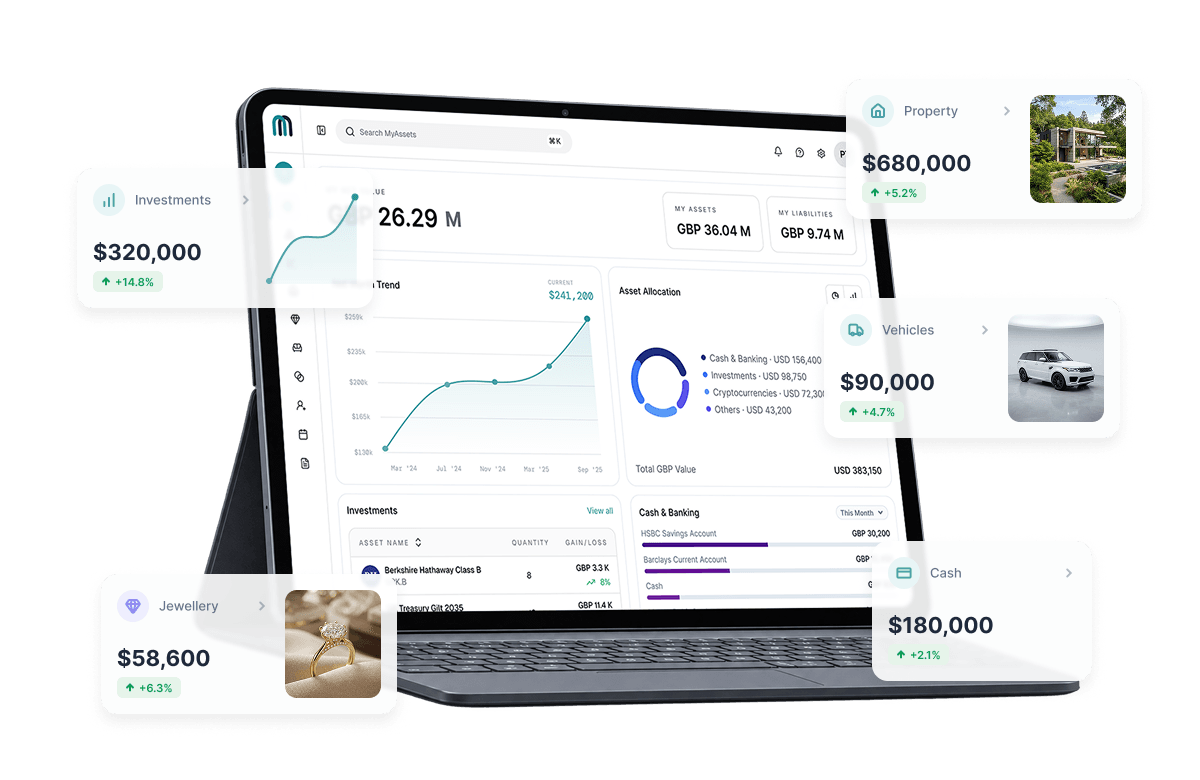
Could you be overlooking money you have already saved? An Empower study found that 34% of Americans may have lost track of their retirement savings, with younger generations particularly affected: 57% of Gen Z and 45% of Millennials.
One reason these funds go unnoticed is that tracking old accounts often competes with other financial priorities. The same study found that 54% of respondents put managing retirement savings at the bottom of their financial to-do list, as monthly bills and other savings goals take priority. This highlights how savings easily slip out of sight when people have other financial responsibilities to manage.
The challenge becomes even greater when savings are spread across multiple bank accounts or various financial services for different goals. With balances to check in several platforms, individuals may overlook existing funds, underestimate their total savings or struggle to determine how much more they need to set aside.
The solution? A dedicated savings tracker. By consolidating data into a single financial dashboard, a savings tracker app provides complete visibility over one’s money. To help you choose the right tool, this article explores essential features of apps to track money saved and compares seven options, including what each does well and where it falls short.
- What is a Savings Tracker App?
- What to Look for in a Savings Tracking Tool
- 7 Best Apps for Tracking Savings
- Keep Your Money in Sight and Your Goals on Track with the Right Savings Tracking App
- App to Track Savings: Frequently Asked Questions
What is a Savings Tracker App?
A savings tracker is a digital tool that helps users see how much they have saved, where their funds are held, and whether they are making progress toward their financial goals.
So, how does a savings app collect savings information? Depending on the platform, it may connect to bank accounts to display balances automatically or allow users to record their savings manually.
Generally, good money tracking apps cover different types of savings, including:
- Children’s savings accounts
- Easy-access savings accounts
- Fixed-term savings accounts
- Joint savings accounts
- Notice savings accounts
- Tax-efficient savings accounts (i.e., Individual Savings Accounts (ISAs))
Overall, a savings app offers a convenient way to monitor savings across different accounts and maintain a clearer picture of money set aside for the future.
What to Look for in a Savings Tracking Tool
Savings apps vary in functionality, from basic balance tracking to setting goals and monitoring progress. Here are the key features to look for when selecting an app to manage your money.
Balance Tracking
Savings balances change over time with deposits, withdrawals, interest payments and account fees. Without an up-to-date record, users may rely on outdated figures and lose sight of their current savings account.
Balance tracking addresses this by allowing users to view and record their savings balances in one place. Whether balances update automatically through supported bank connections or are entered manually, users can keep their records current and make informed decisions about spending and saving.
Multiple Account Integration
Many people save for different reasons, from building an emergency fund to buying a first home or preparing for a comfortable retirement. As a result, their savings are spread across several banks and accounts, requiring them to check each individually to understand how much they have saved altogether.
Multiple account integration streamlines this process by allowing users to connect supported bank accounts to a bank tracking app. Instead of logging into different banking platforms, they can view their savings across connected accounts in one place, making it seamless to see their combined balance and understand how their funds are distributed.

Goal Setting
Saving without a clear target makes it difficult to determine how much money to set aside or whether savings are on track to meet future needs. Whether saving for a holiday or financial independence, users need a way to turn these plans into achievable financial targets.
Goal setting helps users define specific savings targets, set a target amount and establish a timeframe for reaching each goal. By tracking progress towards these milestones, users can see how close they are to their targets and stay focused on building the funds they need.
7 Best Apps for Tracking Savings
Savings trackers offer different ways to view your balances, manage accounts and keep goals on track. Here are seven of the best money monitoring apps, with their strengths and limitations.
1. Plum
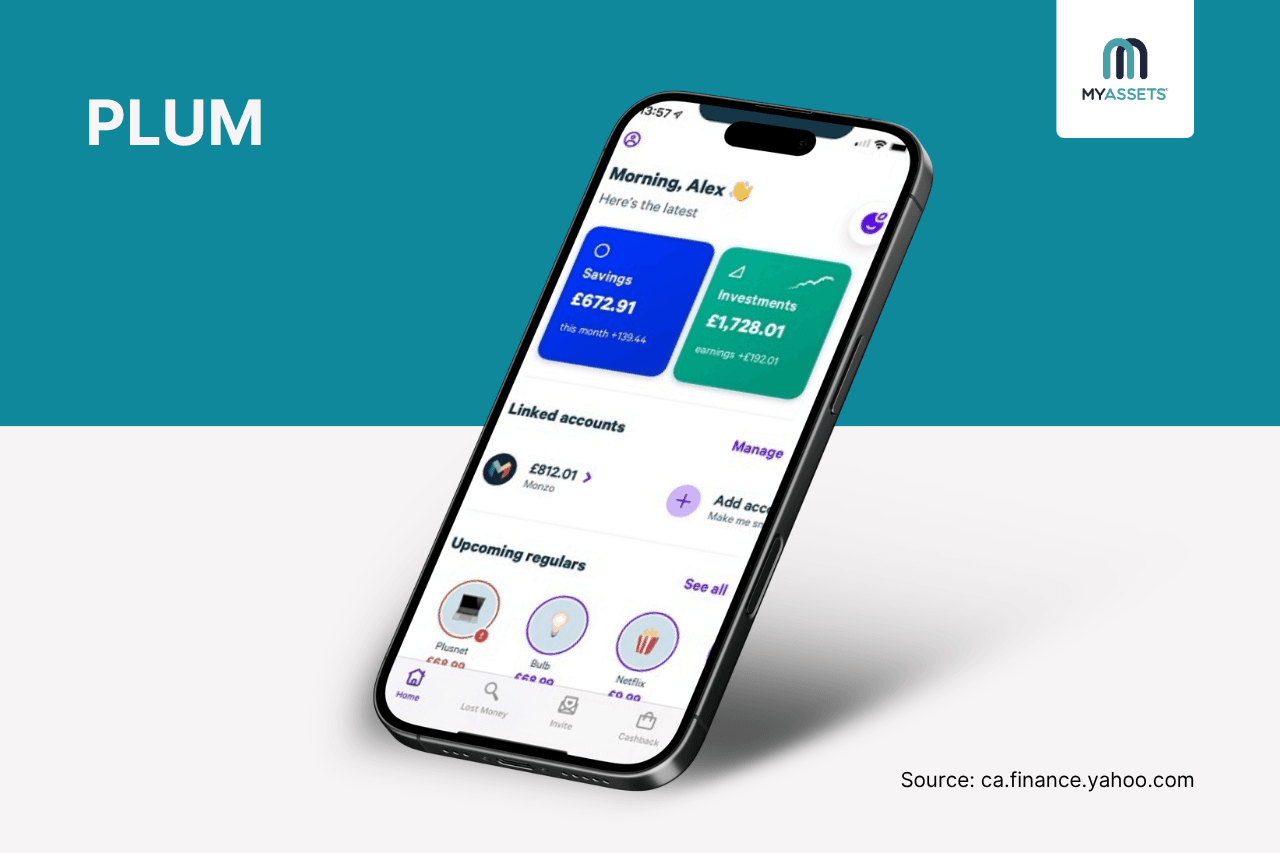
Plum is a money management app that automates financial habits, particularly saving. It connects to bank accounts through Open Banking and analyses spending patterns to identify opportunities to set money aside.
Pros
- Connects with major UK banks to analyse transactions and automate saving without requiring users to calculate every contribution manually.
- Lets users distribute deposits across separate savings pockets and selected investment products based on user-defined percentages, helping them allocate money towards different goals.
- Offers customisable saving features, including round-ups that set aside spare change and mood settings that adjust saving intensity, from “shy” to “beast mode”.
Cons
- Open Banking is available only in certain countries.
- Users looking for a basic savings estimator may find its money management features unnecessary.
Free Version: Yes
Starting Price: £3.99 / month
2. Oinkly: Savings Goal Tracker
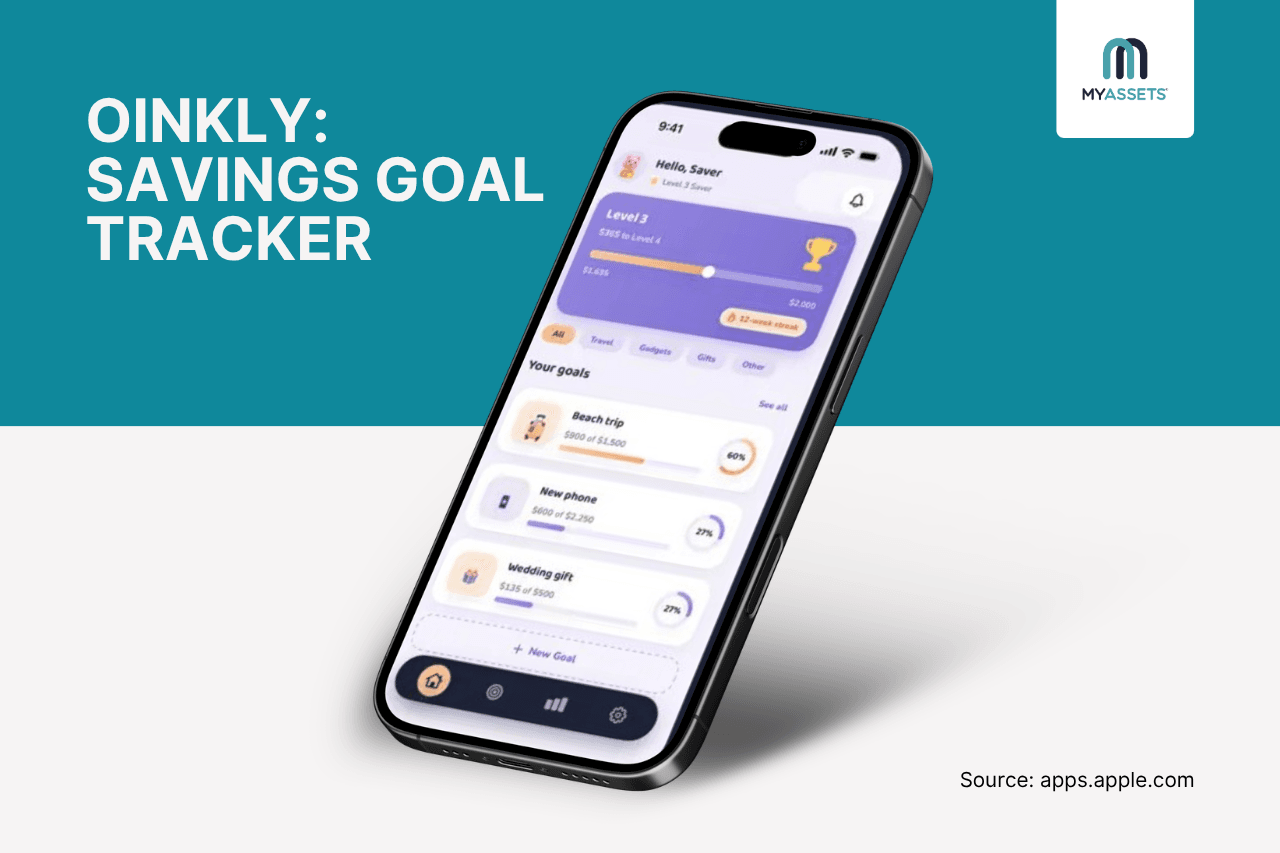
Oinkly is a money saving goal tracker that helps users organise their savings targets and monitor progress towards financial goals. It makes saving more engaging with interactive challenges and milestones that encourage consistent saving and celebrate progress along the way.
Pros
- Lets users choose when to receive weekly reminders to contribute towards their savings goals.
- Tracks consecutive weeks of saving and awards Saver Levels based on cumulative contributions to encourage consistent habits.
- Uses progress rings to show how much users have saved towards each goal and how much remains to reach their target.
Cons
- Requires iOS 17 or later and is not available as an Android app.
- Users must record deposits and withdrawals themselves, as the app does not connect to bank accounts.
Free Version: Yes
Starting Price: Undisclosed
3. Loot - Saving Goal & Tracker
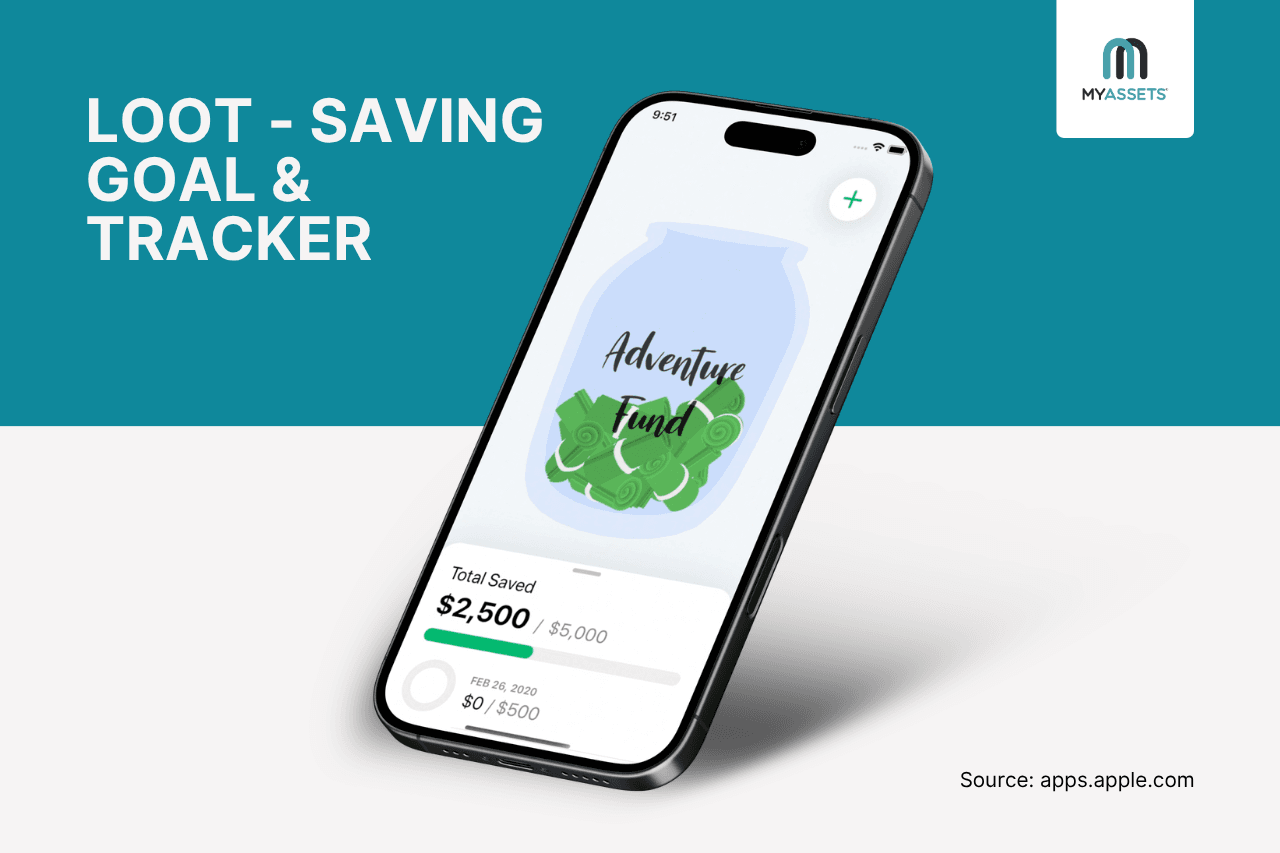
More than an online savings tracker, Loot helps users set savings goals, plan regular contributions, and monitor progress towards each target with personalised virtual money jars, flexible saving schedules, and timely reminders.
Pros
- Lets users plan contributions weekly, fortnightly, or monthly, with automatic calculations based on their target amount or deadline.
- Simple, visually engaging interface that makes tracking savings goals easy and intuitive.
- Uses personalised 3D money jars to make savings goals more tangible and progress easier to see.
Cons
- The free version is limited to one savings goal.
- Some users report having to watch ads when using the app.
Free Version: Yes
Starting Price: $2.99 (one-time purchase)
4. Raisin UK
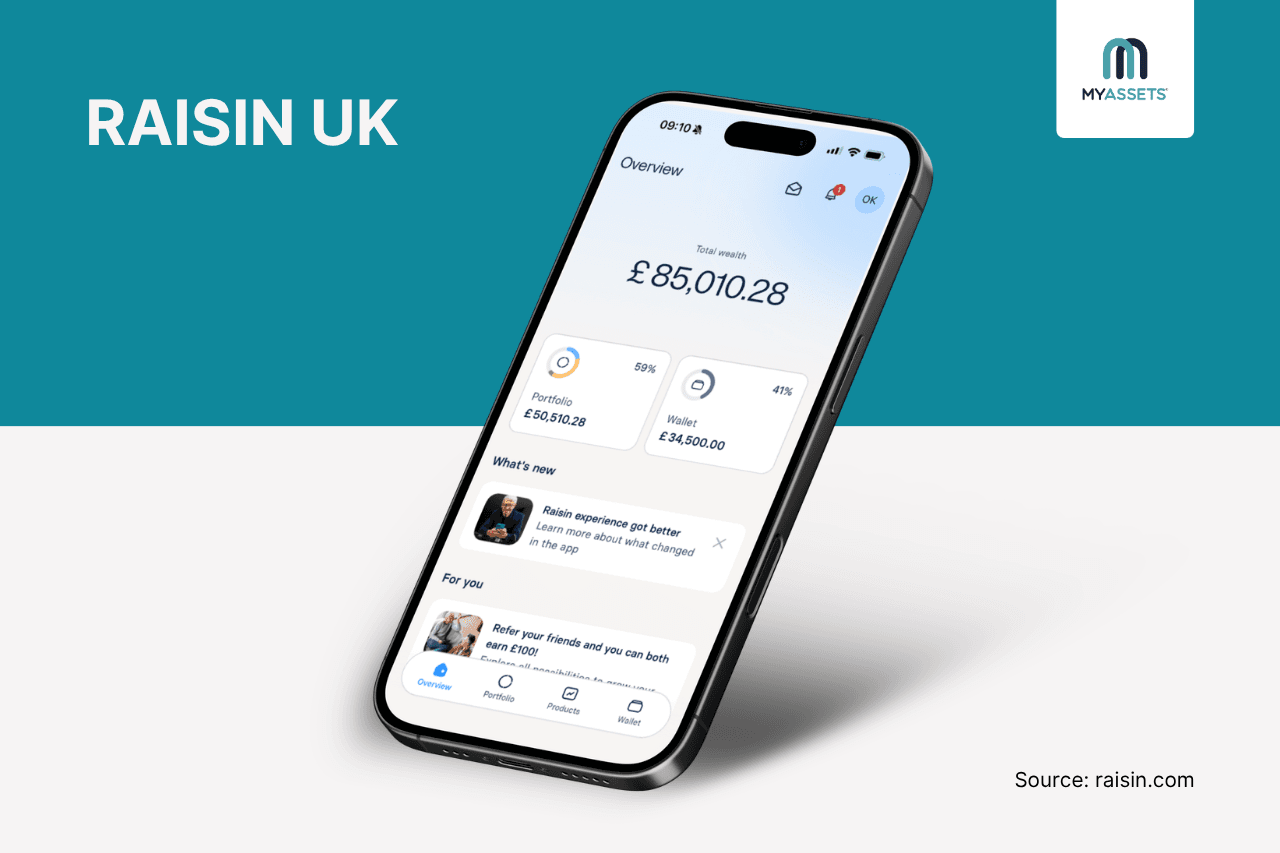
Raisin UK is a dedicated savings management app that allows users to compare savings accounts from partner banks, open new accounts, and manage their savings in one platform.
Pros
- Helps users compare savings products from over 40 partner banks and building societies to find suitable rates.
- Lets users review renewal options for maturing accounts and receive updates about rate increases and new offers.
- View multiple accounts through a single dashboard instead of logging in to different banking platforms.
Cons
- The app works with selected partner banks, so some of the highest savings rates on the UK market may be available elsewhere.
- Does not currently support Individual Savings Accounts (ISAs) or joint savings accounts, limiting tax-efficient saving and shared savings management.
Free Version: Yes
Starting Price: None
5. MyAssets
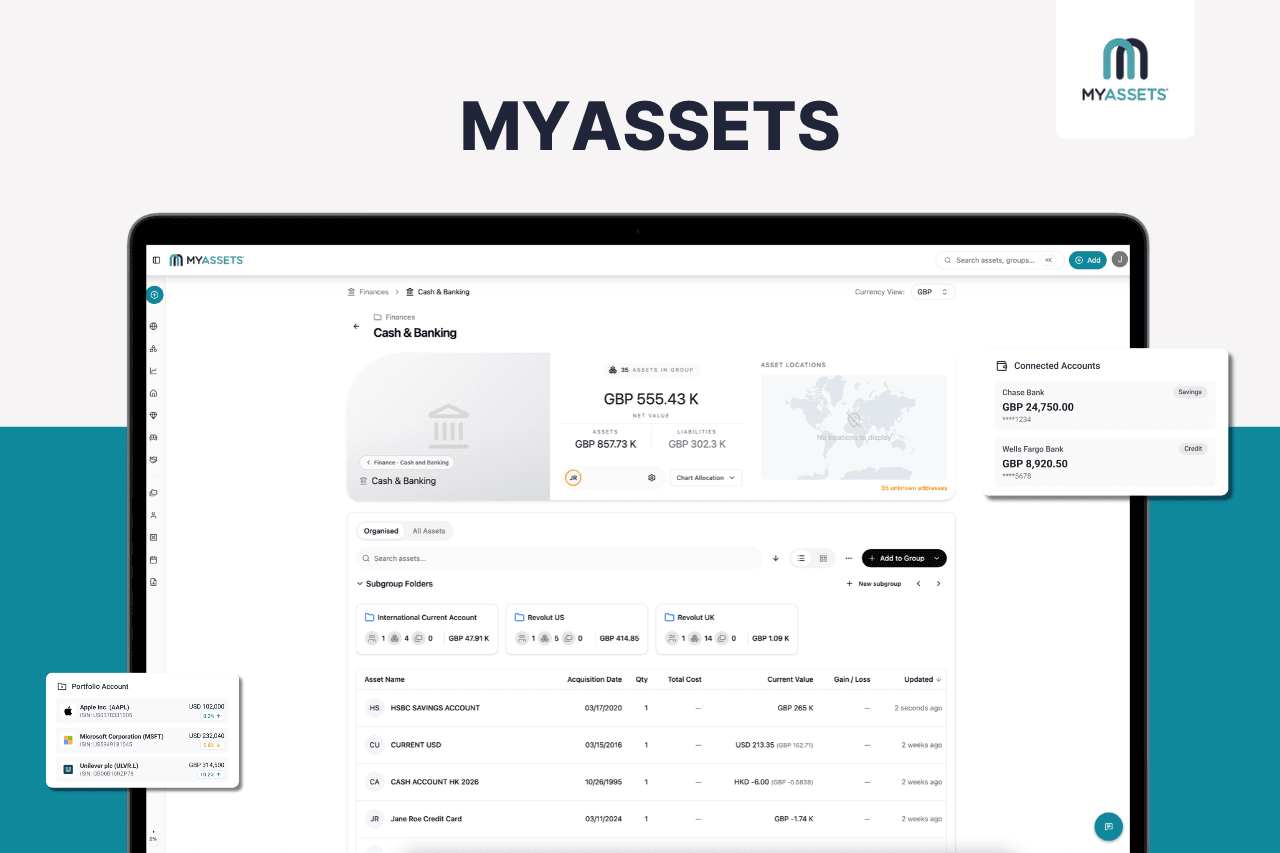
Want to track your savings and other assets in one place? Introducing MyAssets, an asset management platform that lets users track savings as part of their wider financial portfolio. With its savings tracking tool, users can record accounts, log deposits and withdrawals, and set reminders for regular contributions.
More than a savings tracker, MyAssets also supports organising and managing savings alongside other financial assets, real estate, collectables, belongings and other general assets, giving users a broader view of their wealth.
Pros
- Provides a balance history where users can record balances and review savings activity over time.
- Enables users to organise savings accounts into custom groups, for easier navigation and review of financial records.
- Offers secure bank integrations to sync balances automatically, alongside manual updates.
Cons
- Currently lacks dedicated savings goal features, although additional functionality may become available as the platform continues to develop.
- Its extensive asset management features may be unnecessary for users looking for a simple savings tracker.
Free Version: Yes (add up to 25 assets)
Starting Price: $25/month
6. Honeydue
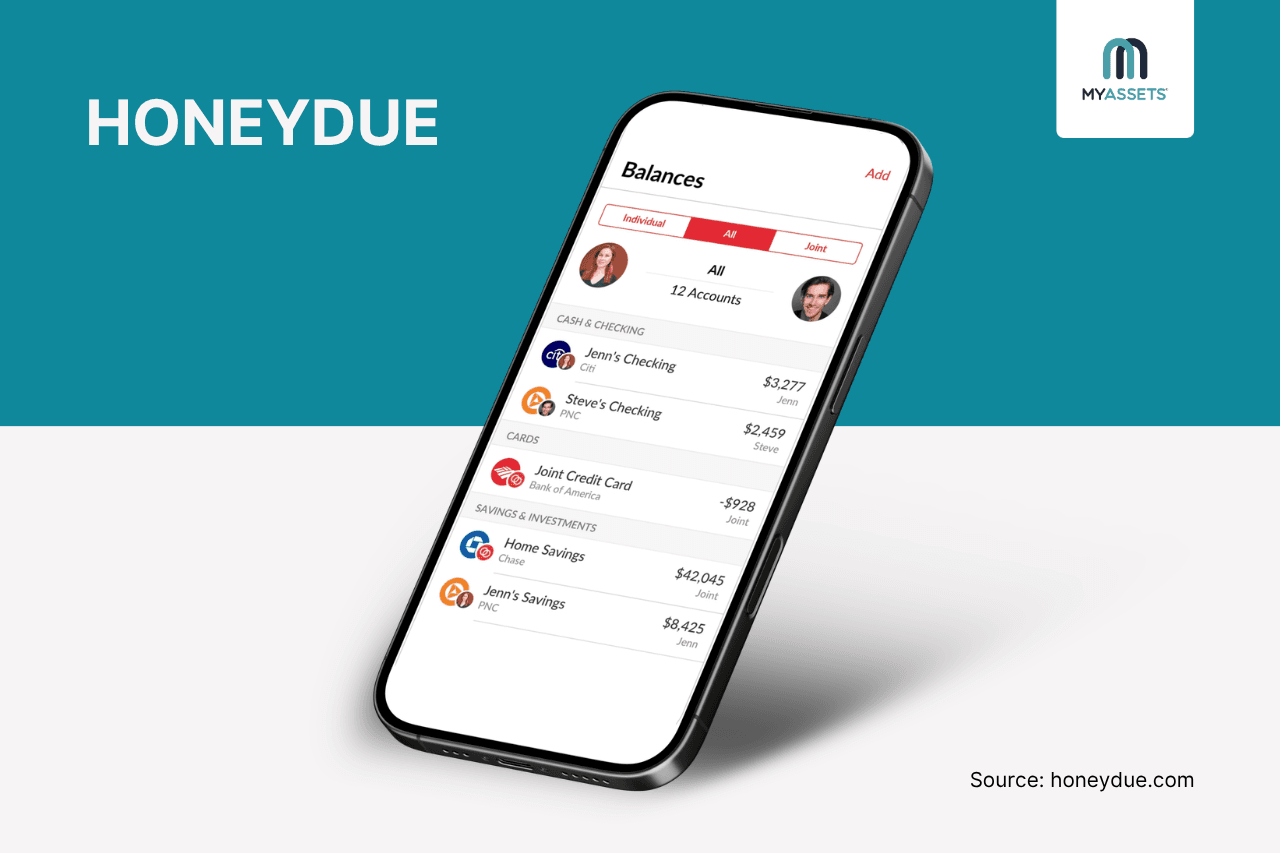
Honeydue is a free money tracking app for couples that lets partners track individual and joint accounts in one place. By linking their bank accounts, users can monitor balances, review transactions, and track their shared spending.
Pros
- Offers privacy controls that allow each partner to decide which information they want to share (i.e., full accounts, balances only, or keep certain accounts private).
- Users can set recurring bills and due dates, with notifications to help both partners avoid missed payments and late fees.
- Uses a built-in chat feature, helping couples discuss transactions, message each other, and split expenses.
Cons
- Account linking depends on supported financial institutions, with coverage varying by country.
- There is no desktop browser version.
Free Version: Yes
Starting Price: None
7. Chip
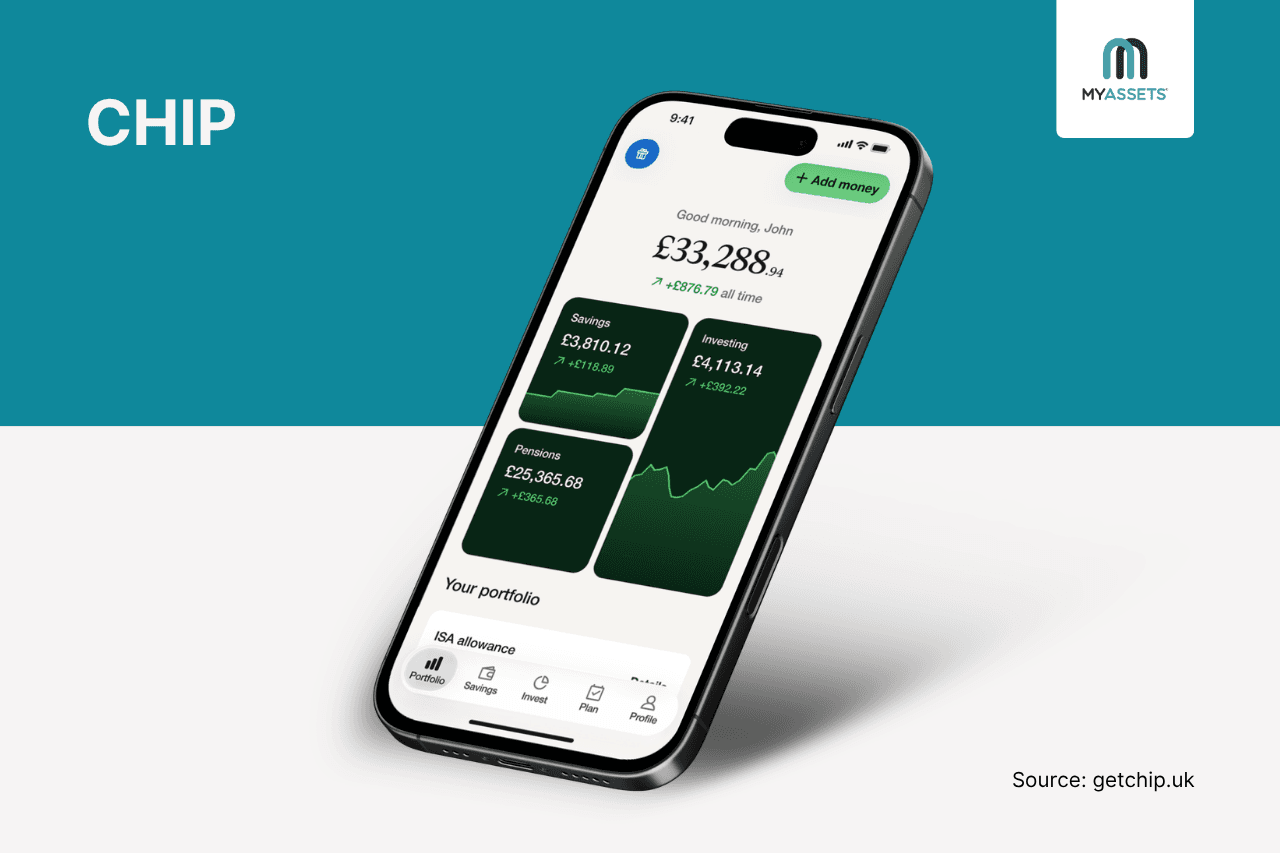
Looking for an app where you can save money and track your progress in one place? Chip is one of the best savings apps, which allows users to open savings accounts, deposit money directly into the app, and track their balances as their savings grow. This way, users grow their savings and monitor their progress in one place.
Pros
- Offers competitive variable interest rates across its savings accounts, including Cash ISAs, easy-access, and instant-access options.
- Users can set savings targets, monitor their progress through visual trackers, and use Chip’s Wealth Score to assess their long-term financial health.
- Uses algorithms to estimate how much users can afford to save and automatically transfers money into their savings accounts.
Cons
- While manual deposits are free, Chip charges around 45p per transaction for AI-powered automatic savings on its basic plan.
- Users generally need to meet UK residency and eligibility requirements to open savings accounts.
Free Version: Yes
Starting Price: £5.99/month
Keep Your Money in Sight and Your Goals on Track with the Right Savings Tracking App
The best savings tracker app depends on an individual's financial goals, saving habits, and the features they need. Some apps, such as Oinkly and Loot, help users set savings goals and monitor their progress, while Plum and Chip focus on automating savings. Raisin UK, meanwhile, allows users to compare savings accounts to find suitable options.
For a broader view of personal finances, MyAssets brings savings information together with investments, real estate, and other assets, helping users track their overall wealth in one place.
Ultimately, the right app depends on what users want to prioritise, whether it's monitoring account balances, working towards savings goals, automating contributions, or managing a wider portfolio of assets.
App to Track Savings: Frequently Asked Questions
1. What is the best savings tracker app?
The best savings tracker app depends on individual needs. Oinkly and Loot focus on savings goals, Plum and Chip offer automated saving, Raisin UK helps compare savings accounts, and MyAssets tracks savings alongside other assets.
2. How do I keep track of my savings?
Individuals can track savings using an app or spreadsheet to record balances, deposits, and withdrawals, and monitor progress towards savings goals. Apps may offer automatic bank balance updates, while spreadsheets allow manual tracking and customisation.
3. What is the difference between a savings tracker and a budgeting app?
A savings tracker monitors account balances, deposits, and progress towards savings goals, while a budgeting app focuses on managing income, expenses, and spending limits. Savings trackers help users see how much they have saved, whereas budgeting apps help them plan how to allocate their money.
Track and Calculate All Your Savings in One Place with MyAssets
What starts as a simple search for a bank account number or a quick balance check becomes frustrating when records are scattered across platforms. This dilemma raises the question: is there a way to track all my savings in one place?
The answer is simple: MyAssets. It brings account details and balances into one platform, helping you spend less time searching and switching between platforms.
MyAssets takes savings record-keeping a step further by allowing you to store essential account details, including:
- Account name
- Account type
- Sort code
- Account number
- Account start date
- Institution or provider
- Starting balance
- Current balance
Beyond basic account information, MyAssets lets you manage related financial records in the same place, including:
- Upcoming and recorded income and expenses
- Monthly contribution reminders
- Balance updates to track changes over time
- Ownership structure and beneficiary allocations
- Supporting documents
With these details readily available, MyAssets helps you keep your savings records complete, track account activity, and maintain a clearer picture of where your money stands.
Go Beyond Savings Accounts: Track All Assets
Beyond recording savings information, MyAssets helps you calculate your overall net worth by accounting for both assets and liabilities. This provides a more complete picture of your financial position, taking into account:
- Assets: physical cash, savings account, investments, real estate, collectables, and other belongings.
- Liabilities: mortgages, loans, credit card balances, and other outstanding debts.
By bringing these figures together, MyAssets helps you understand your total wealth beyond your savings balances alone.
Create a Shared View of Your Assets
Managing assets is rarely a solitary endeavour, yet sharing sensitive financial data often poses security risks. With MyAssets’ Delegates features, you have control over account permissions.
The permissions for Delegates include:
- View: allows Delegates to view assets.
- Edit: allows Delegates to edit and view assets.
- Admin: allows Delegates to view, edit, and delete assets.
MyAssets ensures that data remains protected when managing sensitive information with others.
Interested in knowing more? Try MyAssets for FREE and bring all your savings into view!